Quick answer
In short: start with encrypted DNS, escalate to a free tunnel if the block sits deeper. Everything below is free unless marked paid, and every address stays official - mirrors are the trap to avoid.
Is it down or blocked for you?
Before changing any settings, spend one minute finding out which layer ate eroprofile.com. The fix depends on it, and the order below rules layers out cheaply.
- Check the site itself. Open https://downforeveryoneorjustme.com/eroprofile.com - it queries from several vantage points. If the site is offline for everyone, no circumvention method will help; the archived copies route is the honest fallback.
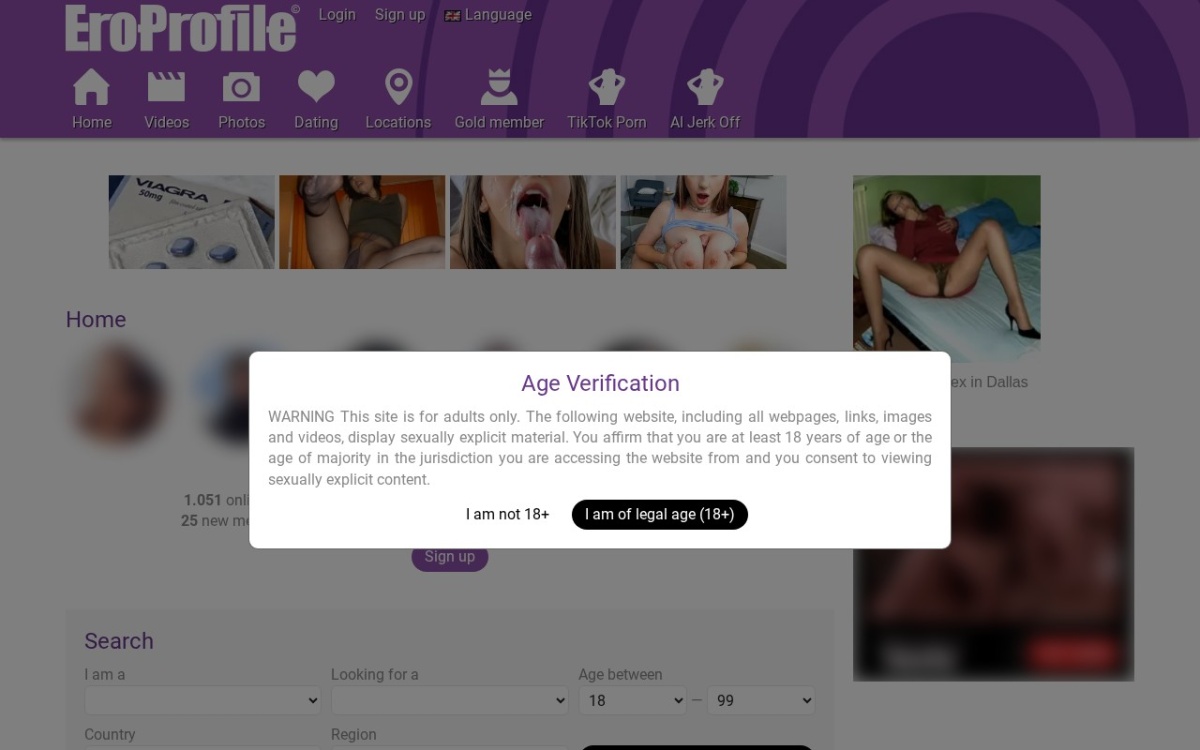
- Check the error you get. "Server not found" / NXDOMAIN = DNS block. "Connection reset" or endless loading = connection (SNI/IP) block. A foreign-language or government error page = confirmed national block. A site-owned message (age gate, region notice) = the operator restricts you, not the network.
- Check DNS resolution. Open https://dnschecker.org/#A/eroprofile.com and see whether eroprofile.com still resolves worldwide. If it resolves everywhere but will not open for you, your network or ISP is filtering - go to the DNS fixes.
- Compare with the measurement network. The OONI Explorer page for eroprofile.com shows real probe measurements from inside dozens of countries, updated daily: which countries see anomalies, and which show confirmed block pages.
The block, explained
Blocks on this site range from national filtering to plain network policy - the diagnosis section below sorts out which one you are facing. That is the "why" - the "how" (which network layer) is what the diagnosis steps above pin down.
We have no recent probe measurements for this site - few OONI probes have tested it. The method ladder below still applies; run the diagnosis steps to find your layer.
Diagnose: symptom to fix
The fast route: recognize your symptom, take the matching fix.
| What you see | Likely block type | The fix |
|---|---|---|
| Connection resets, endless loading | SNI/IP block | ECH, WARP, Psiphon or Tor |
| Works on mobile data, fails on Wi-Fi | Network filter (school/office) | Network filter workarounds - or simply stay on mobile data |
| Government or ISP error page | National block | Psiphon, Tor with bridges, or a vetted VPN |
| Site loads but content is missing or region-locked | Geo-restriction (operator) | Server in a supported region: VPN guide |
| "Server not found" / NXDOMAIN | DNS block | Encrypted DNS (DoH) or resolver switch |
| Nothing loads at all, anywhere | Site may be down | Check the archived copy and the diagnosis steps above |
Getting eroprofile.com open again - free tools first
Free first, and matched to the diagnosis: DNS tools for name-level blocks, tunnels for connection-level blocks. Every method links its full guide.
1. Encrypted DNS (DoH) (free)
DNS over HTTPS (DoH) wraps every name lookup in an encrypted HTTPS connection, so a censoring network can neither read which site you asked for nor quietly rewrite the answer. Most browsers ship it built in - it is usually the single fastest fix for a DNS-level block.
Do this: iOS 14+ supports encrypted DNS via profiles. Settings > General > VPN & Device Management is where a downloaded DoH profile lands; after approving it, Safari and every app use it.
It defeats blocks that live at the DNS layer - the resolver returns a wrong answer or an error page. It does nothing against blocks that cut the connection itself.
Full Encrypted DNS (DoH) guide - Cloudflare 1.1.1.1 setup docs
2. Cloudflare WARP (1.1.1.1 app) (free)
The free 1.1.1.1 app tunnels your traffic through Cloudflare's network - encrypted DNS plus an encrypted tunnel to the nearest Cloudflare edge. It slips past DNS and SNI blocks, is much faster than Tor, and needs no account.
Do this: On Android install the 1.1.1.1 app, tap connect, and every app - browser included - rides the tunnel.
The pragmatic default when DNS changes alone are not enough.
Full Cloudflare WARP (1.1.1.1 app) guide - 1.1.1.1 / WARP download
3. Tor Browser (free)
For a block that nothing else touches, Tor is the answer: the local network only ever sees encrypted traffic to the first relay. Where Tor itself is blocked, built-in pluggable transports (bridges) get the connection started anyway.
Do this: Android: the official Tor Browser app (Guardian Project signature) is on Google Play; connect with one tap.
The fallback that still works when every network-level trick is filtered.
Full Tor Browser guide - torproject.org - official download
4. Read an archived copy (free)
For content-only needs the Wayback Machine is instant: no tools, no settings, and the network never touches the blocked domain.
Do this: Go to https://web.archive.org/web/2026/eroprofile.com and open the latest capture.
Works for reading; never for logging in.
Full Read an archived copy guide - Wayback Machine
5. Lantern (free)
Lantern routes blocked traffic through its peer network automatically. Less configuration than anything else here, but you trade anonymity for convenience.
Do this: Download from lantern.io, install, click the switch - blocked sites load immediately in any browser.
Quick, consumer-friendly access tool for censored regions.
Full Lantern guide - lantern.io - official download
6. Google Translate as a proxy (free)
Asking Google Translate to "translate" eroprofile.com makes Google fetch the page and serve it from Google's servers - the local network only talks to Google. Rendering is imperfect and logins do not work, but for reading text it is instant.
Do this: Fastest path: search "<name> site" and use the translate link offered in results, or paste https://eroprofile.com/ into the Website tab of translate.google.com.
Instant, zero setup, reads through most filters.
Full Google Translate as a proxy guide - Google Translate
The official routes in (apps, mirrors, onion)
We list no official alternative app. That is not an oversight - it is the safety rule: if you did not verify a domain against eroprofile.com's own pages, do not log in on it.
The archive route needs no tools at all: open the history view for eroprofile.com and pick the newest snapshot.
Device cheat sheet
DNS fixes live in browser or system settings everywhere; tunnels need an app. Managed devices (school/work) are the special case - browser-level settings usually survive where system settings are locked.
| Device | First try | If that fails |
|---|---|---|
| Windows | DoH in Firefox/Chrome | WARP or Psiphon |
| macOS | DoH | Tor Browser |
| Android | Private DNS | WARP app, then Psiphon |
| iPhone/iPad | DoH profile | Onion Browser or WARP |
| Managed Chromebook/laptop | Secure DNS in the browser | Tor portable or mobile data |
Paid options, honestly framed
The free ladder fails in two cases: heavy data caps and saturated free servers. Then one of these is the pragmatic answer:
Commercial VPN
A vetted commercial VPN moves you to a server in a country where eroprofile.com is reachable and encrypts the whole path, so no local filter sees destination or content. Our how to choose a VPN guide lists what to verify before paying (independent audits, jurisdiction, refund policy) - the box below shows vetted options with facts, not affiliate rankings.
Your own VPN on a rented server
The self-hosted VPN guide covers renting a small server abroad and installing WireGuard - an evening of work for a private exit nobody else uses and censor blocklists do not cover.
Mobile data / travel eSIM
If the block lives on the network itself (school, office, hotel), mobile data or a travel eSIM bypasses it completely - different carrier, different rules. Data cost is the only real limit.
Stay safe while unblocking
The fake-mirror rule. The number one harm vector for blocked sites is fake mirror domains built to steal logins. Use only the addresses in this guide and on eroprofile.com's own pages - never a "new official mirror" from a comment section, and never re-packaged apps.
Managed hardware. School and employer networks log connections and may flag circumvention attempts - know the policy before trying anything on such a device. Your own phone on mobile data sits outside that system.
Legality. Using encrypted DNS, VPNs or Tor is legal in most countries; a handful restrict VPN use itself (the country notes above name them). What you access stays your responsibility. This guide is information, not legal advice.
Verdict
For eroprofile.com: run the four diagnosis steps, start with encrypted DNS (DoH), keep Tor as the escalation, and treat every non-official mirror as hostile. That combination covers this block in the vast majority of cases.
FAQ
- Why is Eroprofile blocked? Mostly court-order DNS blocks and national censorship. The [block-type table](#diagnose-symptom-to-fix) maps your symptom to the layer.
- What is the fastest free fix for Eroprofile? For most people: DoH. For connection-level blocks, skip ahead to WARP or Psiphon.
- Does this work on a phone? Phones are actually the easy case: Private DNS (Android) or a DoH profile (iOS) fixes DNS blocks system-wide; the WARP and Psiphon apps handle the deeper layers.
- Does a VPN always unblock Eroprofile? A VPN fixes network-side blocks (DNS, SNI, IP) and operator geo-restrictions (by moving you to a supported region). It cannot revive a dead site or override an account-level ban.
- Is it legal to unblock Eroprofile? Using circumvention tools is legal in most countries; a few restrict VPN use itself - named in the country notes above. What you access remains your responsibility. This guide is not legal advice.
- Will encrypted DNS alone unblock Eroprofile? It defeats resolver-level filtering only. The [symptom table](#diagnose-symptom-to-fix) tells you whether yours is that kind.
- Is there an official Eroprofile mirror or app? No verified mirror exists in our data. Anything else claiming to be Eroprofile is a risk; stick to the original address with one of the methods above.
- What if nothing in this guide works? Escalate in order: Psiphon, then Tor with bridges, then a self-hosted VPN - and mobile data, which sidesteps the network entirely.
Comments (0)
No comments yet - did a method work for you? Say so below (it helps the next person).