methods / ooni-diagnosis
Is it blocked? Diagnose a site with OONI Probe
Short answer
OONI Probe runs a DNS lookup, a TCP connect and an HTTP request on your network and compares them against a clean control server. The mismatch tells you the layer - DNS tampering, TCP/IP blocking or HTTP filtering - and which method in our guides will actually work.
Every tool on this site is matched to a block layer, and the wrong guess wastes your time - install WARP when you needed a different exit, or change DNS when the network reads your handshake. OONI Probe ends the guessing: it measures your connection against a clean reference and tells you which layer is failing. This guide shows how to run it, read the verdict, and check any site's global history in OONI Explorer - the same public data our methodology uses [1].
What the test actually does
OONI Probe's Web Connectivity test runs three steps on your network - a DNS lookup, a TCP connect, and an HTTP request - and repeats them on a control server in a clean environment, then compares the two [1]:
Each mismatch maps to a block layer [1]:
- DNS answers differ (your resolver returns nothing, a wrong address, or a block page) → a DNS block. The fix is the resolver change or encrypted DNS.
- TCP connect fails on your side but not the control → a TCP/IP or connection-layer block. The fix is a tunnel or WARP.
- HTTP request tampered (wrong status, headers, or body) → an HTTP-layer block, often with the SNI cut in play, which ECH targets.
OONI is careful about false positives too: resolvers returning geographically closer servers, or sites that vary by country, can look like interference when they are not - the project documents this and it is why the control comparison matters [1].
Run the test in five minutes
OONI Probe is a free, open-source app from the Open Observatory of Network Interference, a nonprofit that has published open censorship measurements since 2012 [4]:
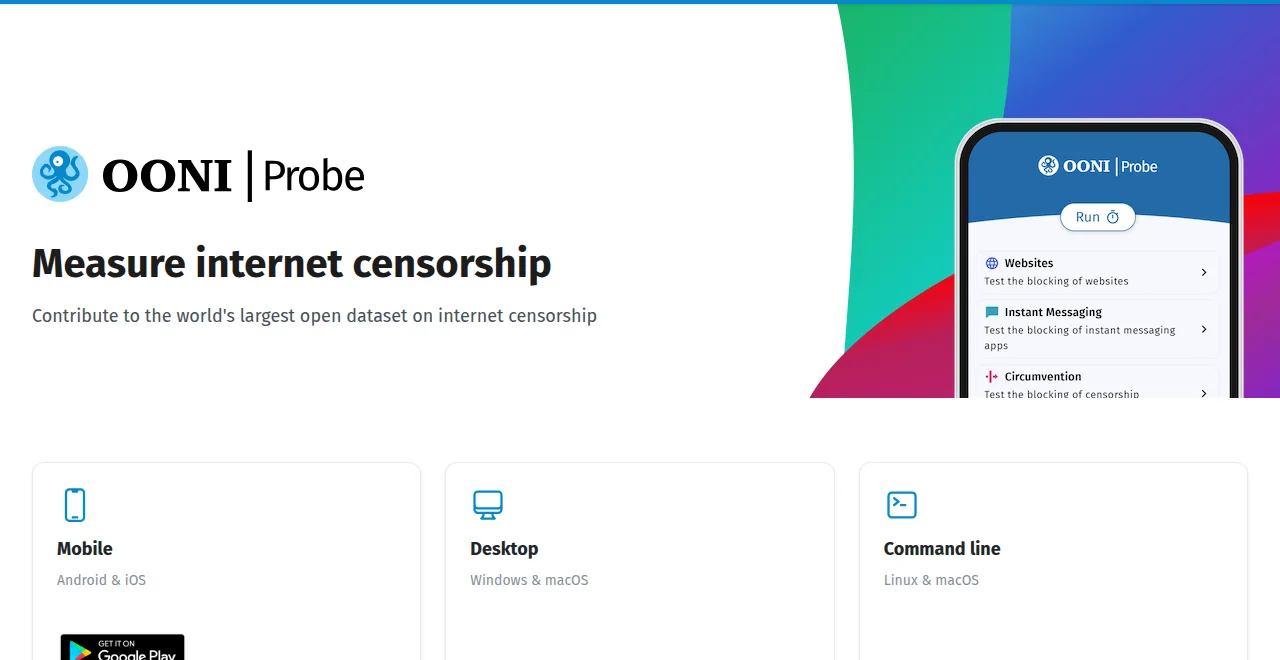
- Install OONI Probe from the official install page [2] - it is a single measurement app, not a VPN, and it does not route your traffic anywhere.
- Open Websites and either run the default test list or add the single site you care about. The measurements run in the app against the Citizen Lab test lists, the same broad URL sets used worldwide [5].
- Wait for the run and read the result for your site: it reports whether the site is blocked, and at which layer, using exactly the DNS/TCP/HTTP comparison above [1].
- Note your network (the app records which ASN, provider and country you tested from) - that location, not "the internet", is what the answer applies to.
Read any site's global history in Explorer
One diagnosis of your network is a snapshot; a history is a pattern. OONI Explorer is the public database of these measurements - hundreds of millions of results covering the world [3]:
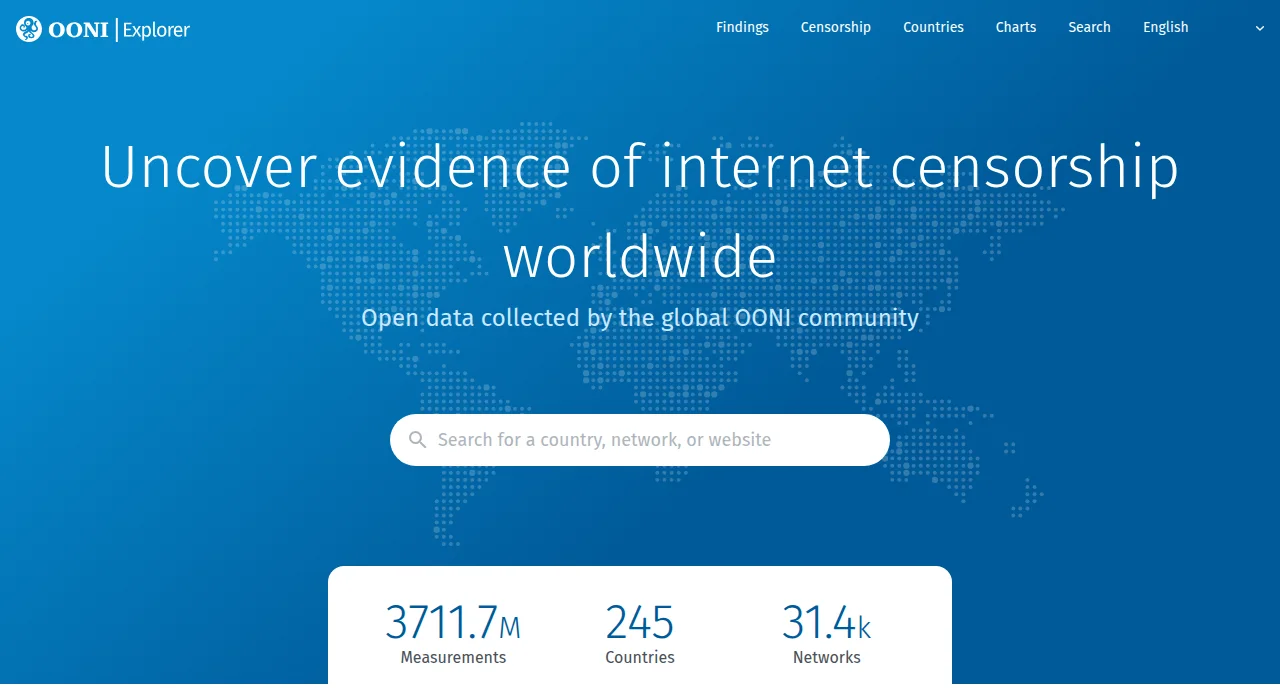
Search a blocked site in Explorer [3] and you can see: which countries and ISPs measure it as blocked (and at which layer), how that has changed over time, and whether it is a DNS-only block (a resolver fix works) or a full connection block (only a tunnel fits). This is the same evidence our site pages summarize per site and per country - the difference is Explorer is raw and always current [3][5].
Two honest warnings before you read too much into a single dot:
- Your network may differ from the average. Explorer aggregates many networks; your provider may block a site others reach freely, or not block one others cannot [1].
- Round-trip through a control server has limits. The test measures reachability and tampering patterns, not privacy threats and not whether a site is "safe". Pair it with the 1.1.1.1 help page [6] and the threat-model framing from EFF's tool guide [7] for the full picture.
Turning the diagnosis into the fix
Keep this page next to the general unblock guide: OONI tells you the layer, that guide maps the layer to the fix. Rerun OONI after you make a change - the single best way to confirm a fix actually holds, on your network, against your block [1].
FAQ
Is OONI Probe a VPN?
No - it is a measurement app. It runs a few DNS, TCP and HTTP tests and compares them with a control server; it never routes your browsing through anything. Installing it does not change how your traffic works.
What does a DNS mismatch mean?
Your resolver returned a different answer than the control server - often nothing, a wrong address, or a block page. That is a DNS-layer block, and the resolver change or encrypted DNS pair in our guides is the fix.
What if OONI says the site is fine but I still cannot open it?
Then your *other* trying conditions matter: maybe only one app is filtered, the block is app-level or account-level, or the site is up for others but not for your location. Read the result per network and per app, and check the symptom table in the general guide.
Is Explorer a list of 'blocked everywhere' sites?
No. A dot in Explorer means that a measurement on that network, at that time, saw a block - the layer and frequency matter. Always read the detail behind a single result before concluding a site is blocked.
Do I need OONI to unblock a site?
No, but it saves the guesswork: most failed fixes are the right tool for the wrong layer. Ninety seconds of measurement usually points at the single method that fits, and it verifies afterwards that the fix really held.