methods / tor-bridges-details
Tor bridges in depth - beat the network that blocks Tor
Short answer
When the network blocks Tor's public relays, you connect through an unlisted bridge instead. Tor Browser's Configure Connection adds built-ins - obfs4, Snowflake, meek-azure, webtunnel - or you request fresh ones. That masks the fact you are speaking Tor at all.
Tor Browser fails to connect on a growing number of networks because public relays have well-known addresses, and a filter can simply block them all. Bridges are the answer: entry points that are not in the public directory, usually with traffic that is obfuscated so it does not look like Tor [1][2]. This page is the deep version of the bridge steps in our Tor Browser guide - what each type hides, how to request them, and the reality of keeping a bridge-based setup working.
When you actually need bridges
- The Connect button stalls or gives up - the telltale sign. Public Tor entry relays are blocked, so the handshake never completes [1].
- A network blocks the bridge you used before - bridges rotate; a censored network eventually learns and cuts specific ones.
- You are on a network that flags %2F or
.onionat all - bridges also help where the network detects Tor-shaped traffic rather than a list.
If Tor Browser connects normally with no bridges, do not add complexity - a bridge is only the fallback for a blocked entry point [1].
The bridge types and what each hides
Tor Browser ships several transports, and the choice matters based on what the censor sees [1]:
- obfs4 - the default scrambler. It turns your connection into something that looks like random noise, defeating filters that fingerprint Tor's handshake. The usual first choice.
- Snowflake - the volunteer crowd. Your connection goes through short-lived, volunteer-run proxies delivered over WebRTC - millions to thousands of unfamiliar host patterns make wholesale snowflake blocking impractical, though it can be less stable.
- meek-azure - the cloud disguise. It routes through a big cloud provider so the traffic looks like ordinary cloud-hosted HTTPS, beating whitelists that only allow known services.
- webtunnel - the HTTPS lookalike. Newer transport disguised as regular web traffic; often a strong pick alongside obfs4.
Because obfuscation hides the fact of Tor, a working bridge defeats not only relay-listing blocks but also many DPI setups that merely detect "Tor-like" traffic [1][6].
Find and add bridges, step by step
- On the Connect screen choose Configure Connection, then Add a Bridge.
- Built-in: pick one of the listed transports. Try obfs4 or webtunnel first; switch if connect fails [1].
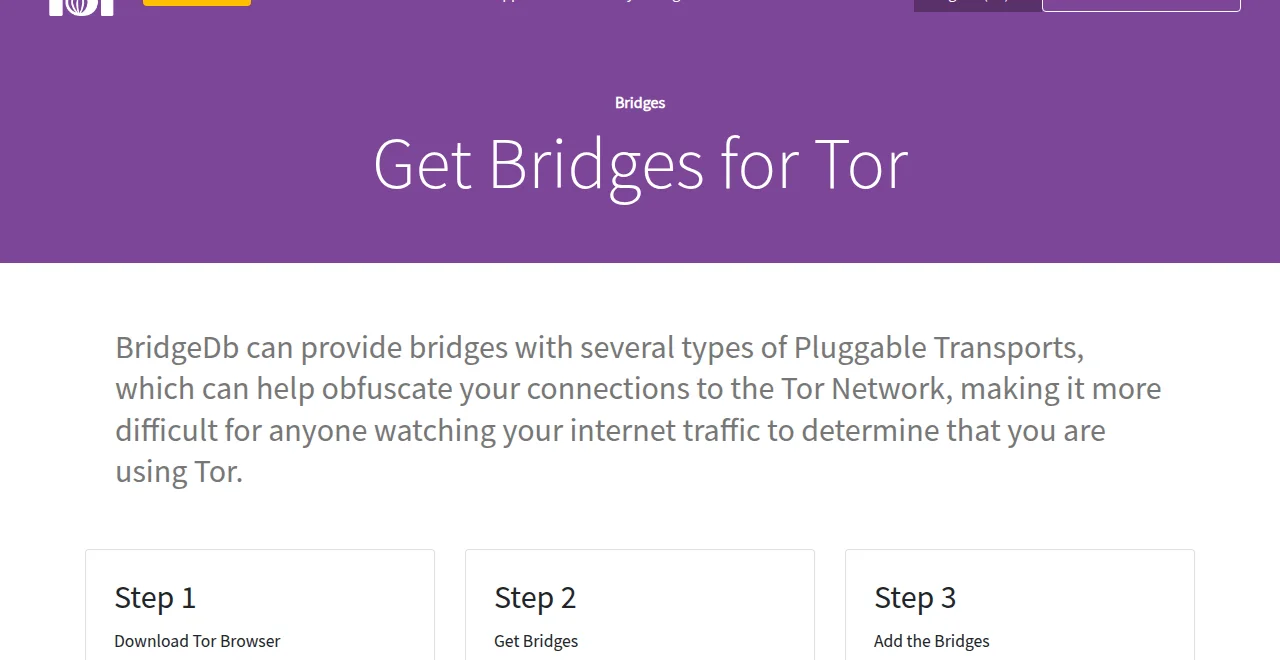
- Request fresh ones from within the browser (the Request a Bridge flow, served via the bridges portal) [2].
- No portal access at all? Email
bridges@torproject.orgfrom a Gmail or Riseup account with the line "get transport obfs4" and you get bridges by reply [4]. - Paste the lines (or the type) into the Connect window, connect, then verify on the check page that the browser is genuinely on Tor [1].
Power tips from the manual: prefer one working bridge over many broken ones; after a bridge works, the same setup can fall over when the censor learns it, so re-request periodically [1][2].
The honest maintenance reality
- This is a moving target, by design. Censors learn bridges and updates add new transports - expect to rotate every so often, the same treadmill as GoodbyeDPI and zapret. It is the cost of working where the network fights back [1][6].
- Bridges are an entry fix, not an exit tool. They get you into Tor; the sites you reach are a separate, site-side question - check the official onion route and ECH for the rest of the chain [6].
- Mix it with the browser's own defence. Only download Tor Browser from the official page [5], keep it updated, and in heavier environments run it fresh after a bridge change to shake any stale path [7].
A legal note, plainly: Tor and bridges are legal in most countries; a few states restrict or actively target them. This guide is information, not legal advice - and EFF's tool guide says best: pick the bridge only when your threat model calls for anonymity against your own network [7].
FAQ
Which bridge type should I try first?
obfs4 is the usual default because it scrambles the handshake well on most filters; webtunnel is a strong second pick on newer censors. If whitelisting calls for a cloud disguise, meek-azure is the one.
Do bridges slow Tor down?
Somewhat - the obfuscation and short-lived volunteer proxies (Snowflake especially) add latency. Speed comes second to reachability here; once a bridge connects you are on the regular Tor network.
Why does a working bridge stop working after a few days?
Censors learn bridges and add them to blocklists, and bridge addresses rotate. Re-request fresh lines from the portal when one fails - this periodic churn is an accepted property of the design.
Can I hand my bridge lines to a friend?
Bridges are not secret accounts and can be shared, but a heavily shared bridge gets noticed faster. It is fine for a couple of people; for a classroom the built-in type or Snowflake is the robust choice.
Do I still need bridges if I use a VPN?
A VPN and a bridge solve different problems: the VPN hides your IP, the bridge hides the fact you are on Tor. If your network blocks both, try the bridge inside Tor first before layering tools, by the threat-model rule in EFF's guide.